


Hi friends,
This month was about meeting you where you already read. The extension is rebuilt from the ground up and finally landed on Firefox, three more apps joined the list of places you can import highlights from, and the Obsidian plugin now brings your summaries and bookmarks across too. Whichever browser you open and whichever app you think in, your highlights come along.
Here’s what’s new.
📣 Community Updates
📌 Community Milestones
Glasp posts published: 8,000+
Kindle highlights imported: 78,000+ unique books
YouTube Channels Tracking: 3,500+
Audio files transcribed: 80,000+
🔧 Feature Updates
Glasp Extension v2.1.2: The biggest rewrite since we launched. A new highlighting engine that holds up on pages that used to fight back, a redesigned sidebar, and Suggested Highlights, where AI picks the key sentences and you accept the ones you agree with. Plus AI Overview, a better Community view, 7 languages, and dark and light themes. One thing to know: the upgrade signs you out of the extension once, and nothing is lost. → Read the announcement
Firefox Extension: Glasp is on Firefox at last. Highlight the web, PDFs, and YouTube transcripts, with your highlights syncing to the same account you already use everywhere else. It has been the single most requested thing in our inbox for years. → Get it on Firefox Add-ons
Mobile App: Image highlighting is now on mobile, so you can mark up what you see, not just what you read. The Feed gains a Newsletters section, and you can pull your Raindrop highlights in from the app. The Safari extension got a round of polish too. Update from the App Store or Google Play.
YouTube Summary Extension: A redesigned sidebar puts Transcript, Summary, Chat, and Highlights in one place. Chat is the new one: ask anything about the video and the answer comes back grounded in what was actually said, with starters like “What are the key takeaways?” if you don’t know where to begin. The transcript now lives in our sidebar instead of leaning on YouTube’s own panel, so it keeps working when YouTube moves things around.
Obsidian Plugin v0.3.0: Summaries and Bookmarks now import alongside your highlights, and each source gets its own Obsidian Bases database view, as a table or as cards with thumbnails. We also fixed a bug that duplicated Kindle notes on re-sync. Requires Obsidian 1.9+. → Get it from Community Plugins
Zapier: Summaries can now kick off a Zap. The new New Summary trigger fires whenever you generate an AI summary of a page, PDF, or YouTube video, so a summary can land in Notion, a Slack channel, or a spreadsheet without you moving it. It joins the existing triggers for new highlights, bookmarks, and documents, plus actions to create highlights and bookmarks from anywhere. → Browse the Zaps
Import & Export: The biggest expansion yet, on both sides. Coming in, Matter, Raindrop.io, Diigo, and Wallabag all joined. Raindrop connects with one click and pulls your highlights with their notes, colors, and tags, with no file export needed, and only pages you actually highlighted come across, so your plain bookmarks stay where they are. Going out, five new destinations: Zotero, Tana, Workflowy, Roam Research, and Anki. That’s 13 places to bring highlights in from and 8 to send them out to, all under
Settings→Integrations.
🆕 New Pages
Glasp Research: Every paper we’ve published, in one place. Each one ships with a reproducibility bundle: the code and the derived data behind every number, and for most of them a public repository too.
Open Graph Checker: Paste any URL and see exactly how it will look when shared on X, Facebook, LinkedIn, Discord, Slack, and Google. It lists every Open Graph, Twitter Card, and meta tag, so you can spot what is missing before you publish. Free, no sign-in.
Brand Assets: Logos, colors, and company boilerplate, ready to download. If you write about Glasp, make a video, or build an integration, you’re welcome to use them without asking first.
Discover Books: The books Glasp readers import most, ranked. A quick way to see what everyone else is reading before you pick your next one.
📖 New Tutorials & Posts
Research
Language Models Agree With Each Other, Not With Readers: Two language models pick the same sentences far more often than two readers do. Across 18 model arms from 11 vendors, the median model pair reaches +0.093 excess agreement against a human yardstick of +0.040, and no model agrees with readers more than a reader does. The human side is 2,523 mark sets from people highlighting for their own reasons, not for a study.
Measuring Alignment With Reader Highlights Net of Position and Length: Crowd highlights sit early in a page and run long, so anything that favours early or long sentences looks aligned with readers. Netting both out, a language model’s importance ranking reaches +0.196 excess agreement with the crowd, and a single human reader reaches +0.182.
Hatching Growth
Thank you to Alumni Ventures and Hashiri.AI for backing us this month. If you’d like to reach this audience, we have slots open.
Tutorials
Curated YouTube collections
We published 21 curated collections this month. A few that readers went for:
Top 3 Most-Highlighted Kindle Books in July
$100M Offers by Alex Hormozi
The Obstacle Is the Way by Ryan Holiday
Never Split the Difference by Chris Voss
The Daily Stoic by Ryan Holiday
Second place was a three-way tie this month, so there are four. Ryan Holiday takes two of them.
Full breakdown coming in a separate post.
🎯 Sponsored by YouTube Summary with ChatGPT & Claude

Summarize any YouTube video in one click. Used by 2 million people worldwide.
Interested in sponsoring The Highlight? → Learn more
🌍 Glasp in the Wild
Thank you for sharing and mentioning us on X, LinkedIn, and/or your blogs. 🙂 We appreciate your support! Please don’t hesitate to ask us anything at any time. Also, feel free to join our Reddit Community ;)
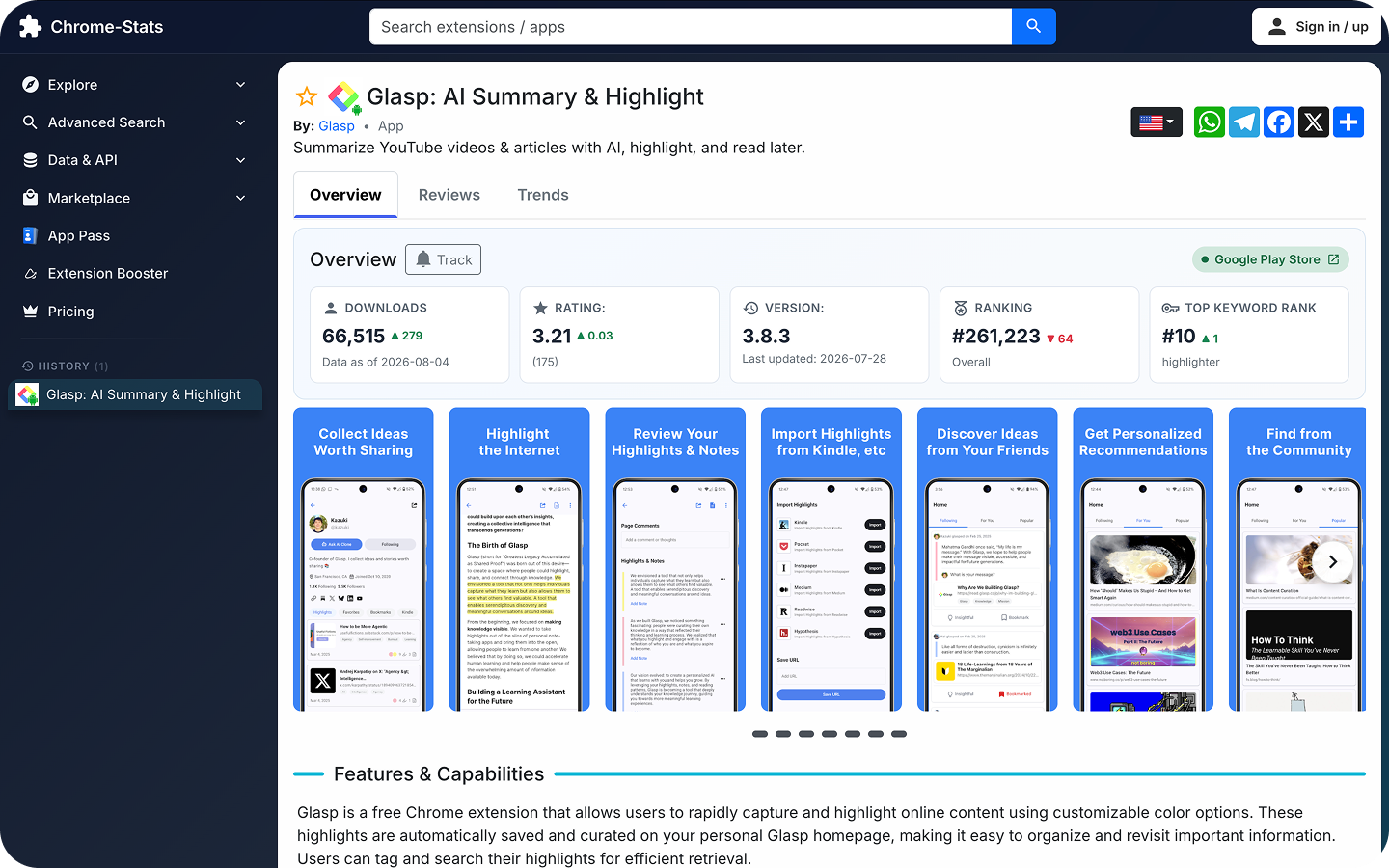
Glasp: AI Summary & Highlight on Chrome-Stats
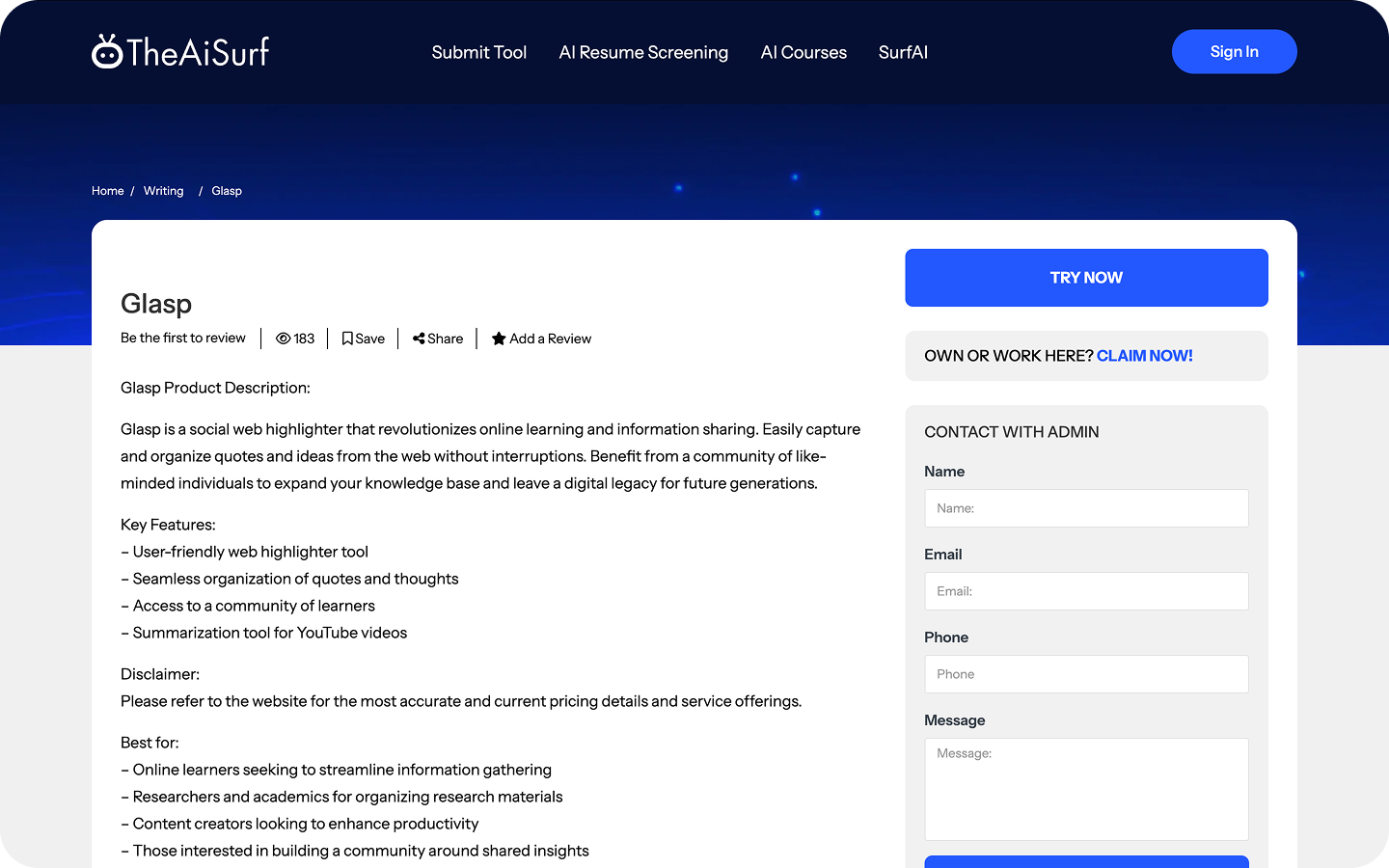
Glasp on TheAiSurf
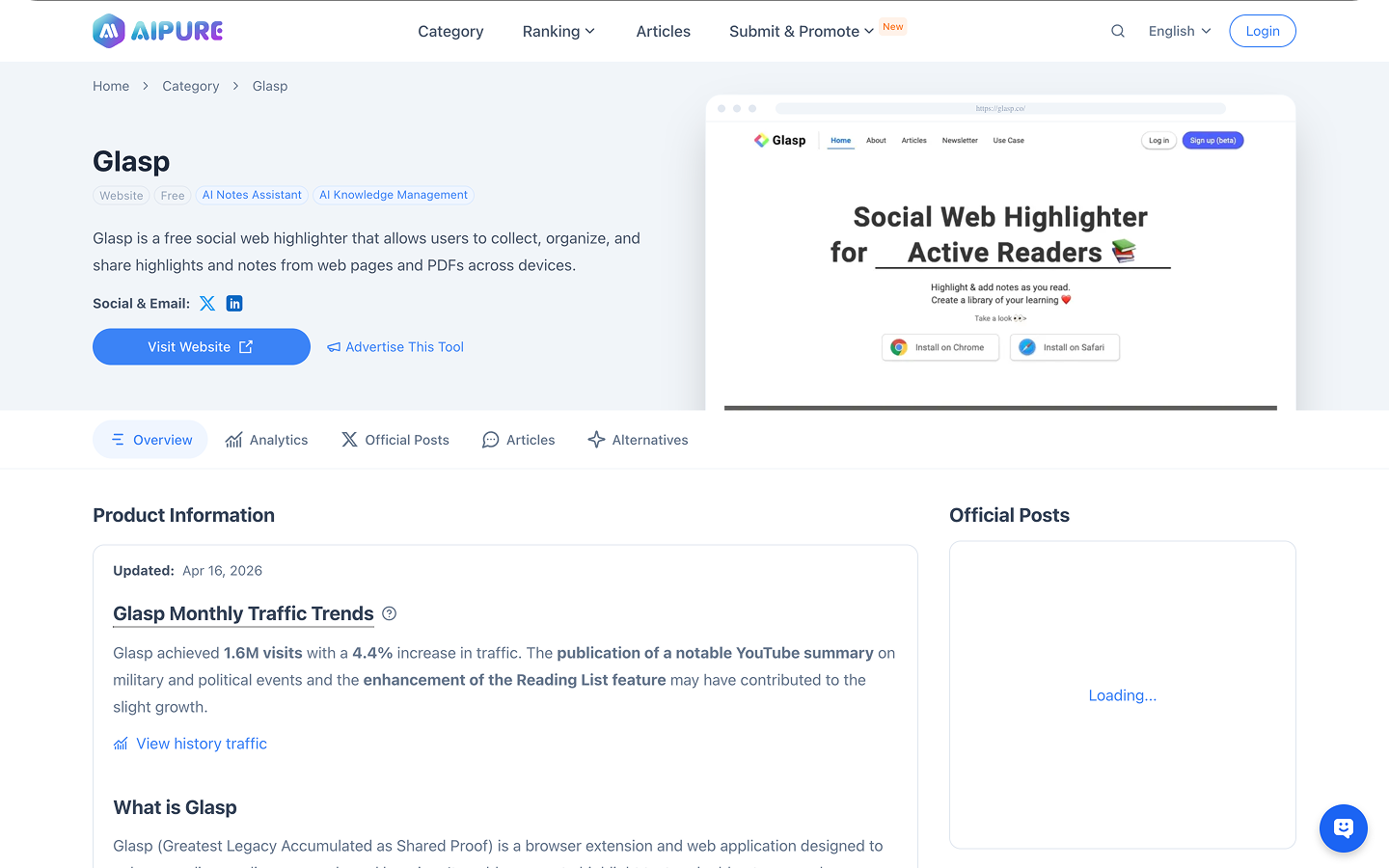
Glasp on AIPURE
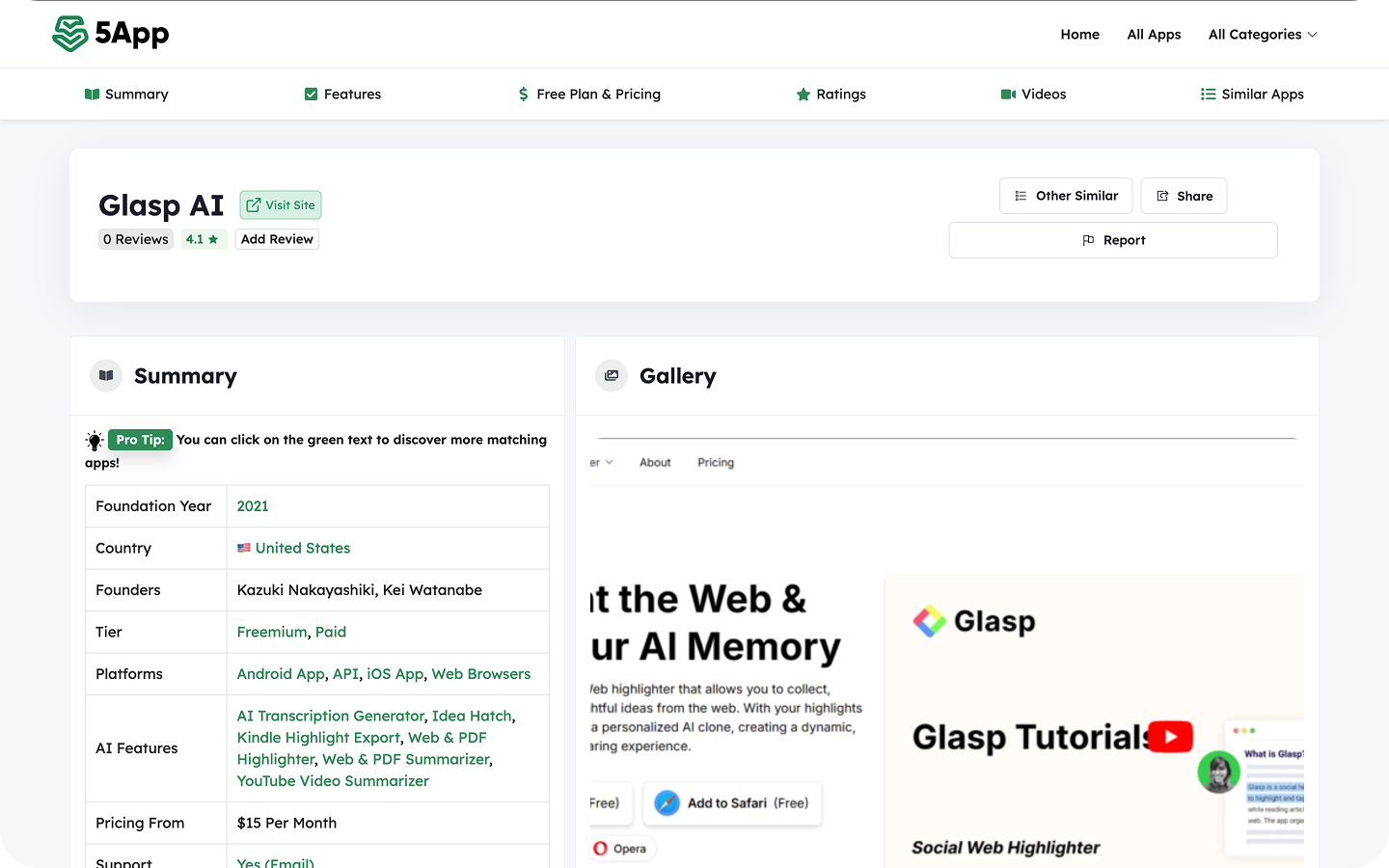
Glasp AI on 5app
27 Best Chrome Extensions for Bloggers in 2026 on Ryan Robinson
Top 13 AI Chrome Extensions for Students to Make Things Easy and Better on Active Noon
Must-Know AI Tools for Startup Founders to Work Smarter in 2023 on Grav.id’s Medium
7 Best AI Chrome Extensions for Work on God of Prompt
Fastest Growing AI Tools in March 2026 on NavTools AI
14 Tools AI Terbaik untuk Merangkum Video YouTube Pakai AI (14 Best AI Tools for Summarizing YouTube Videos Using AI) on Belajarlagi
✍️ Write for Glasp
Do you write about learning, reading, or AI? We occasionally feature guest contributors. Share a link to something you’ve written in the comments — we’ll reach out if it’s a good fit.
⭐ Could you leave us a review?
If Glasp has earned a place in how you read, a quick review helps more than you’d think. Reviews are how most people decide whether to try something new, and they take about thirty seconds.
The Firefox add-on is brand new, so it has almost no reviews yet. That one would help the most.
Thank you 🙏
💛 Did you know?
Did you know Glasp can tell you what your reading says about you? Know Thyself reads the books, highlights, and notes you’ve saved and turns them into a portrait of how you think, then points you toward readers who think in similar ways. It’s free, and it gets sharper the more you highlight.
We hope you enjoyed reading this newsletter!
See you next week ;)
Best,
Kei and Kazuki
--
Partner With Glasp
We currently offer newsletter sponsorships. If you have a product, event, or service you’d like to share with our community of learning enthusiasts, sponsor an edition of our newsletter to reach engaged readers.
Love seeing Glasp meet readers wherever they are. Firefox support image highlighting on mobile and the expanded import and export options are exactly what I was hoping for.
The number I keep coming back to this month is from our own data: across 18 models from 11 vendors, two language models agreed on which sentences matter about twice as much as two human readers did. And no model agreed with readers more than a single reader did. That was only measurable because 2,523 of you were highlighting for your own reasons, not for a study.
One practical note: Firefox is finally here. If you have been waiting on us for that, it is live on Firefox Add-ons now, and your highlights sync to the same account you already use.
And an easy one: image highlighting just landed on mobile. What is the first thing you tried it on? I'll go first: a chart inside a PDF that I would otherwise have screenshotted and lost.
Stuck on any step? Reply here and I'll walk you through it. No Substack account? Join us on Reddit instead: https://www.reddit.com/r/glasp/